How to use the Redfern library locker
Use the Redfern library locker to collect reserved library items and return borrowed items anytime, any day.
When you need to do this
You can use the library lockers to collect and return books, magazines, CDs and DVDs.
Some items can’t be collected through the lockers including gaming consoles, library kits, musical instruments, tabletop games and toys. To borrow these items, visit one of our libraries.
What you need to do
-
Reserve items for collection
- Log in to the library app or library catalogue using your library membership number and PIN.
- Search for the items you want to borrow.
- Place a reservation.
- Select ‘Redfern library locker’ as your collection location.
-
Collect your items
We’ll send you an email or SMS when your items are ready for collection.
Items will be held in the lockers for 7 days.
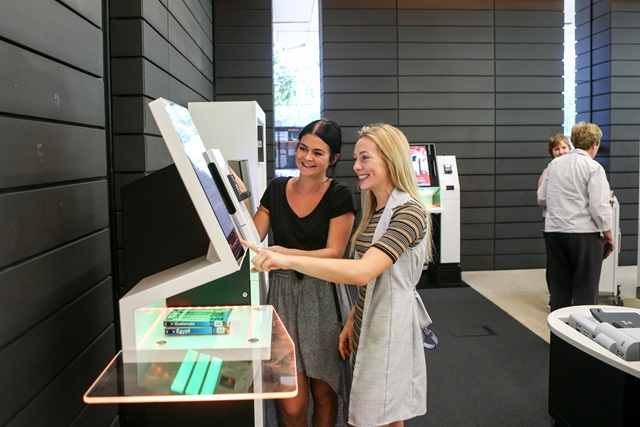
To open a locker, use the touchscreen and either:
- scan the barcode on your library membership card
- scan your digital library card in the library app
- enter your library card number.
Collect your items and close the locker door securely when you’re finished.
-
Return library items
You can return eligible library items at any time using the returns chute on the far-right side of the lockers.
Place your items in the returns chute. The secure returns system will accept and store your items for collection by the library team.
Watch how the lockers work
How to use the Redfern library locker
Use the Redfern library locker to collect reserved library items and return borrowed items anytime, any day.
Join the library
Using the lockers is free for library members.
If you’re not already a member, join online to start borrowing and reserving items.
Need help?
Email [email protected] or call 02 9265 9333.